Electrode conditioning (Rodeostat, Openvoltam)
Objective: Clean and re-activate the working electrode surface to ensure stable arsenic measurements.
🧪
Objective: Clean and re-activate the working electrode surface to ensure stable arsenic measurements.
When to run
- Before first measurement of the day
- After electrode contamination or drift
Setup
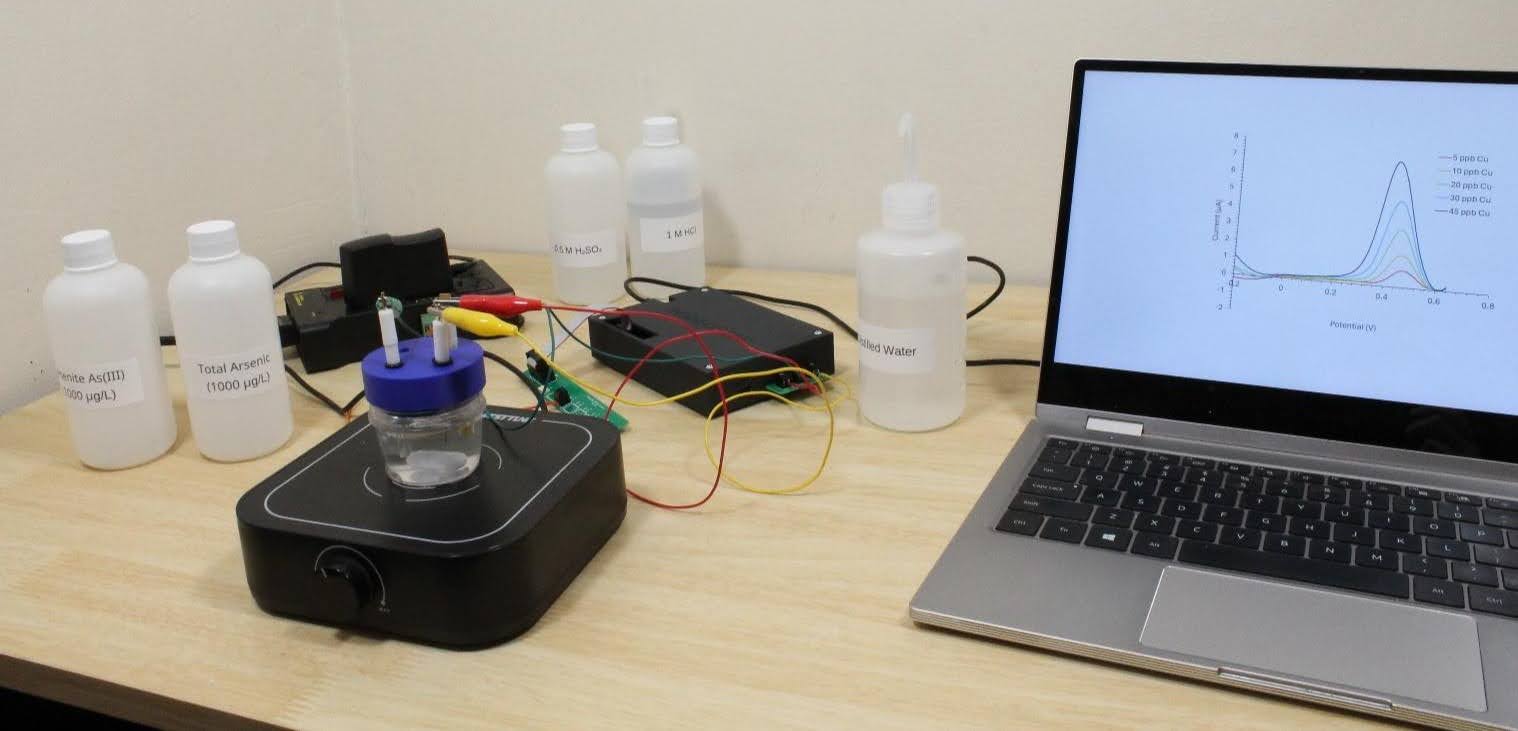
- Open OpenVoltam
- Select Open Sample
- Or create new sample if starting fresh
- Ensure electrode is properly installed in cell
- Open method file: Electrode Conditioning
Run execution
- Click New Run
- Select method: Electrode Conditioning
- Select device: Rodeostat
- Run type: Blank
- Set repetitions: 1
Start measurement
- Click Ready to Run
- Click Begin Run
- Observe live voltammogram
- You should see stable, repeatable cleaning behavior
During run
- Do NOT disconnect device
- Avoid USB interruptions
- Do NOT run other heavy software
- Ensure stirrer behaves as expected (if used)
Completion check
After run finishes:
✔ Stable baseline behavior
✔ No abnormal spikes or saturation
✔ Electrode response consistent with previous conditioning runs
If unstable:
- Repeat conditioning step once
- If still unstable → clean electrode manually and rerun
Output handling
- Data is stored automatically
- No further analysis required for routine conditioning