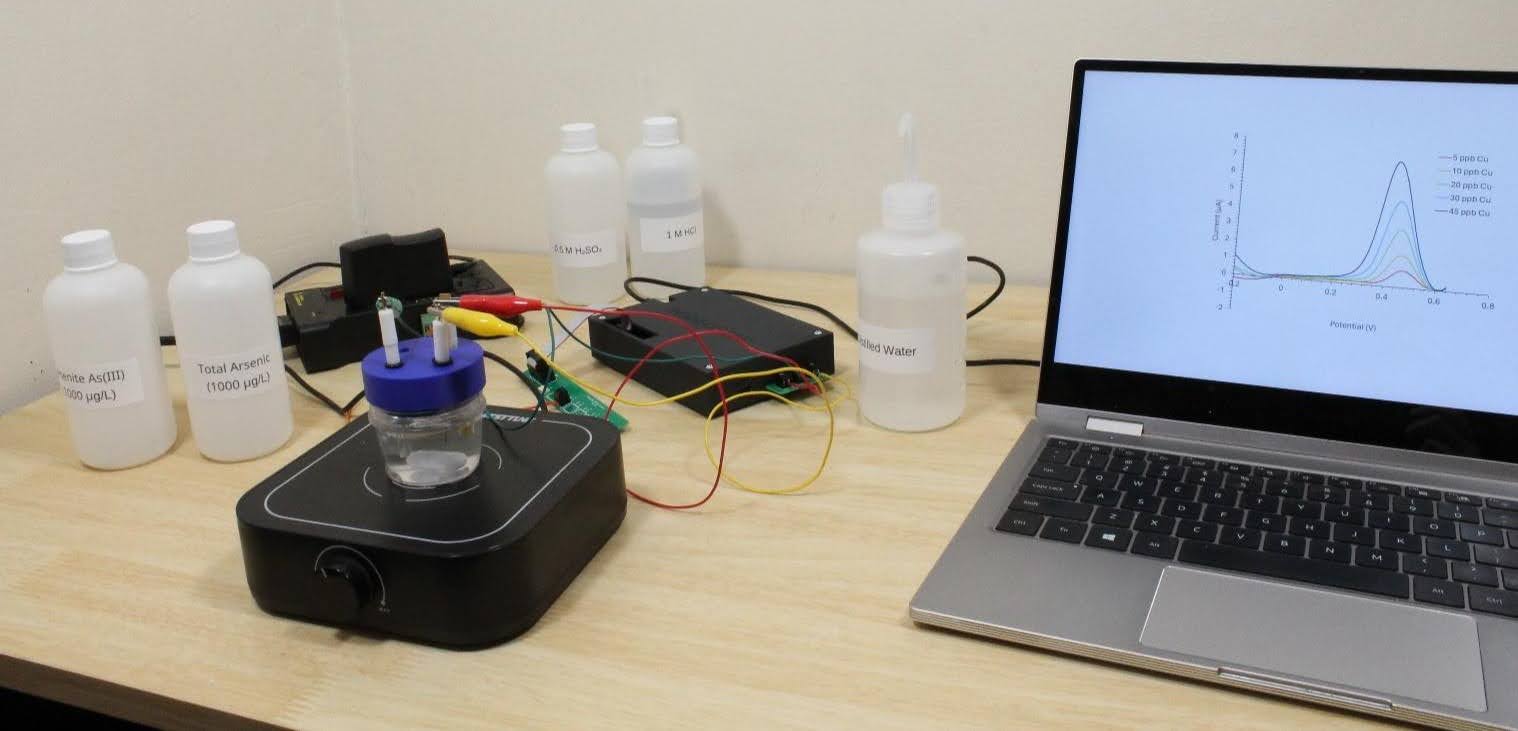
Arsenic Detection (Rodeostat, Openvoltam)
Objective: Quantify dissolved arsenic via stripping voltammetry + standard addition.
🧪
Objective: Quantify dissolved arsenic via stripping voltammetry + standard addition.
Required before start
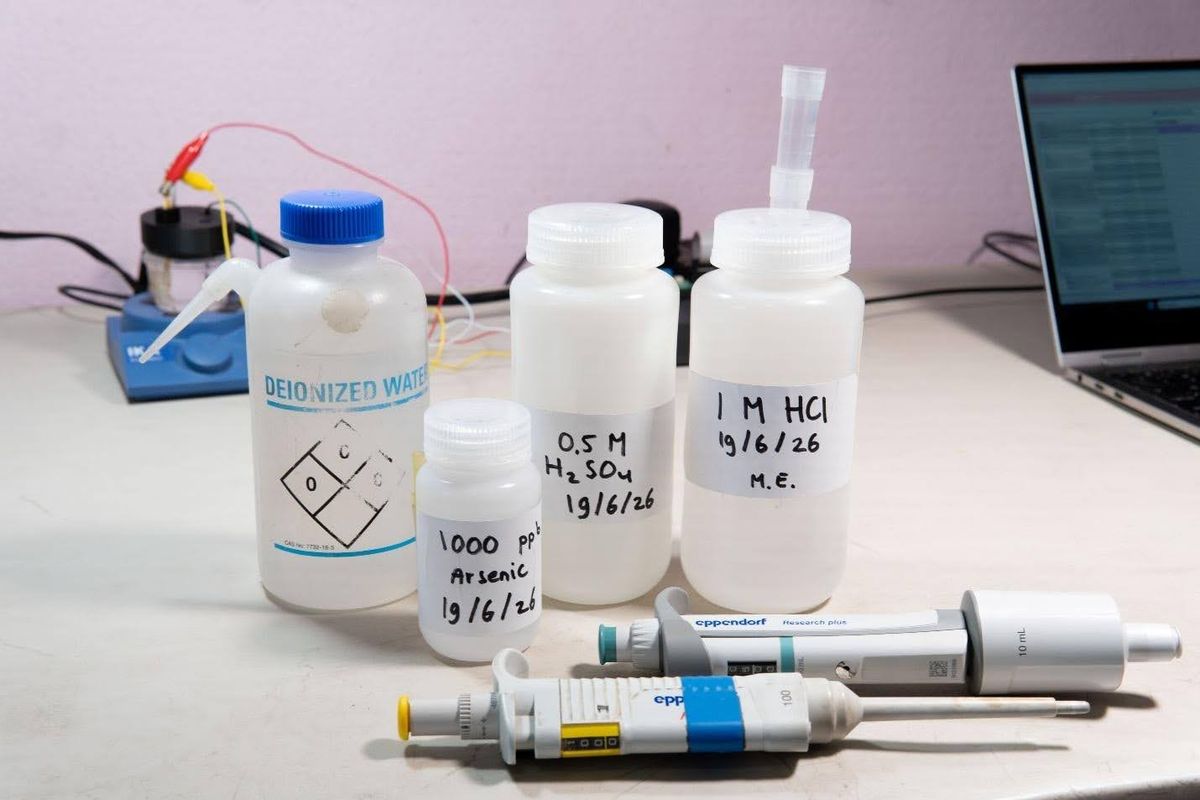
✔ Electrode conditioned (see Conditioning Cheat Sheet) ✔ Reagents prepared (sample + standards) ✔ Preconfigured arsenic method available ✔ Minimum: 3 runs planned
- Sample
- Standard addition 1
- Standard addition 2
- ✔ Recommended: 4 repetitions per run
STEP 1 — CREATE / OPEN SAMPLE
- Open OpenVoltam
- Click New Sample or Open Sample
- Enter metadata:
- Location
- Date
- Operator name
- Save sample workspace
STEP 2 – SAMPLE PREPARATION
- Prepare your sample (x mL sample + x mL DI + 4 mL 1 M HCl = 40 mL total)
- Load into electrochemical cell
STEP 3 — SAMPLE MEASUREMENT
Click New Run
- Select:
- Method: Arsenic Detection
- Device: Rodeostat
- Run type: Sample
- Enter:
- Sample volume
- Total cell volume
- Set repetitions: 4 (recommended)
- Click:
- Ready to Run
- Begin Run
STEP 4 — STANDARD ADDITION 1
- Right click on previous Run 🡪 Select Start from from config
- Change run type: Standard Addition
- Enter:
- Volume added
- Standard concentration
- Add clear note: Example: Well_A + 2.5 ppb As
- Repetitions: 4 recommended
- Run measurement
STEP 5 — STANDARD ADDITION 2
Repeat Step 4 with higher spike:
- Example note: Well_A + 5 ppb As
STEP 6 — PEAK ANALYSIS
After EACH run:
- Click Analyze Results
- Verify automatically selected:
- Peak region (-0.2 V to +0.1 V typical)
- Baseline
- Adjust baseline if needed: Drag marker carefully
- Confirm: Full peak included
- Click: Accept & Next
- Repeat for all replicates
- Click: Save All
QUALITY RULES
Accept data only if:
✔ Clear single peak shape ✔ No saturation ✔ Consistent peak position across replicates ✔ Baseline is stable and reproducible
Reject or redo if:
- Peak shifts significantly
- Noise dominates signal
- Baseline selection changes between reps
STEP 7 — CALCULATION
- Go to sample environment
- Select:
- Sample + both standard additions
- (CTRL + click)
- Click: Calculate
Recommended method
Use: Peak height over baseline
STEP 8 — FINAL RESULT CHECK
Verify:
✔ Linear regression looks correct✔ No clear outliers✔ Confidence interval reasonable (95% default)
Software outputs:
- Concentration (µg/L = ppb)
- Confidence interval
- Dilution-corrected result
💡
TIP: Rather than using ‘New Run’ fore very sample: use right click on the previous run to start a new run from previous configuration. This saves a lot of time.