

Part 13. Calculating arsenic concentration by standard addition
Complete the sample run, the first standard addition, and the second standard addition.
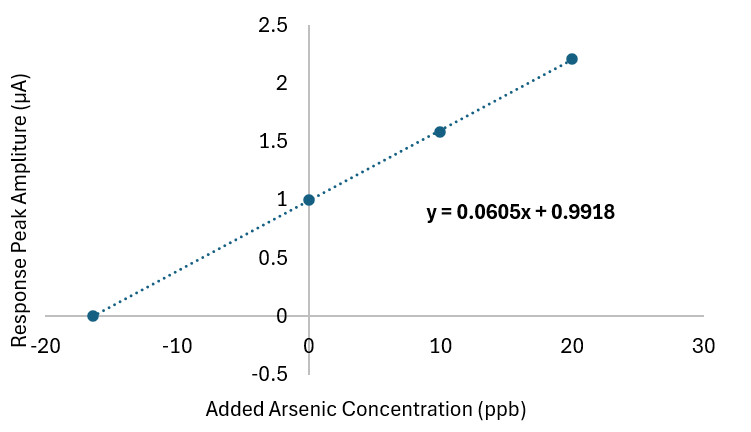
Before calculation, complete the sample run, the first standard addition, and the second standard addition. Each should ideally contain four repetitions.
13.1 Selecting runs for calculation
- Go to the sample environment.
- Hold CTRL.
- Left-click the three relevant runs: sample, standard addition 1, and standard addition 2.
- Click Calculate.
13.2 Recommended calculation method
The software supports multiple calculation approaches. Currently recommended: Peak height over baseline. This method provides the highest stability, lowest variability, and best agreement. Derivative-based methods remain experimental and are more sensitive to smoothing parameters and signal noise.
| Calculation method | Recommendation |
|---|---|
| Peak height over baseline | Recommended for routine arsenic measurements. |
| Peak height from zero | Less baseline-corrected; use with caution. |
| Left-side derivative | Experimental. |
| Right-side derivative | Experimental. |
| Average derivative | Experimental. |
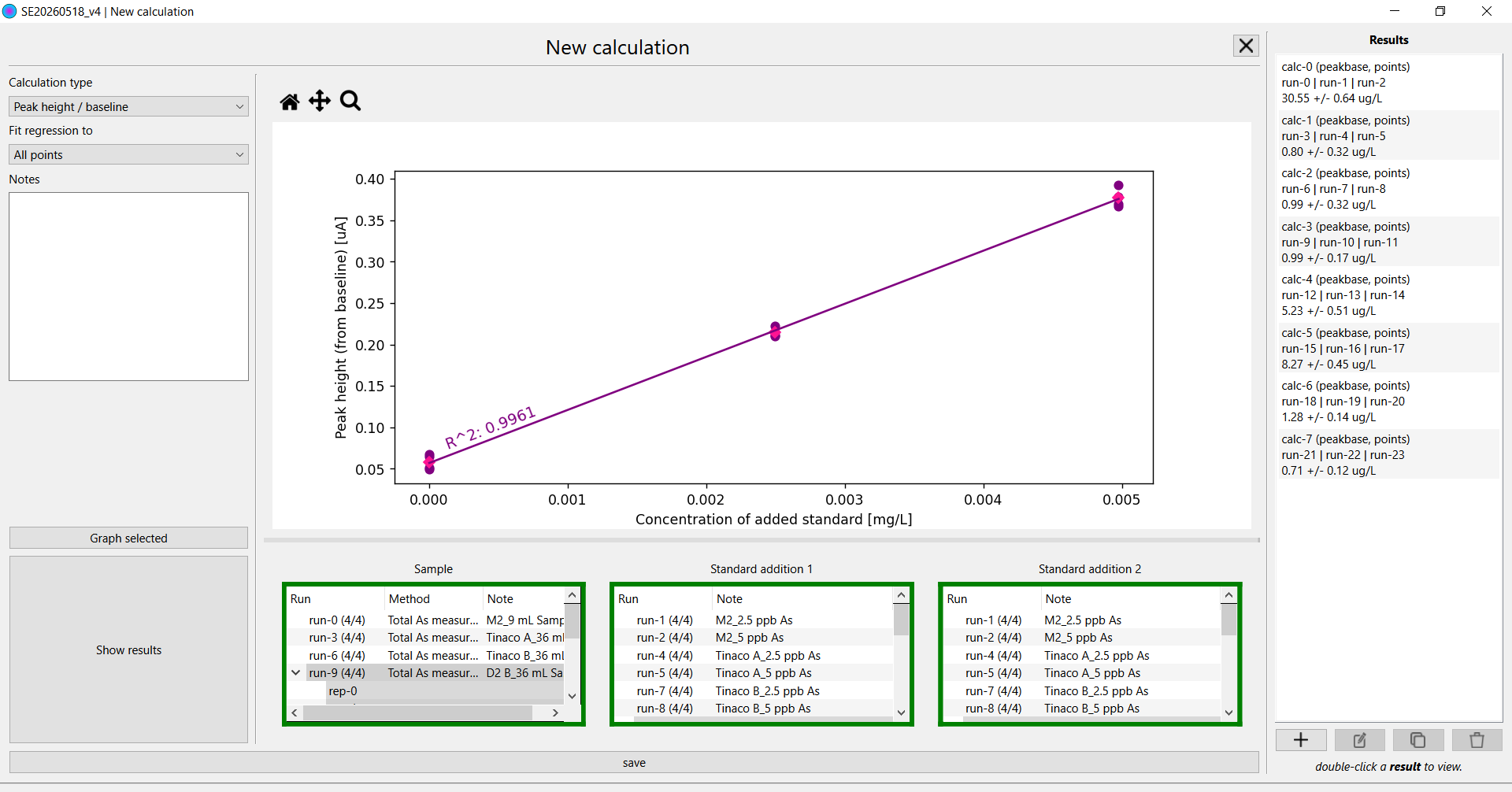
Figure 14. Calculation environment showing selected runs, regression plot, and final result.
13.3 Final result
The software automatically applies dilution correction, calculates concentration, and reports confidence intervals. The result is reported in µg/L, which is equivalent to ppb for arsenic in water.
Inspect the regression plot, verify reasonable linearity, confirm no obvious outliers, and check that the confidence interval is reasonable.