
Part 7: Installing & Opening OpenVoltam
OpenVoltam is the software used for potentiostat control, data collection, peak analysis, and arsenic concentration calculation.
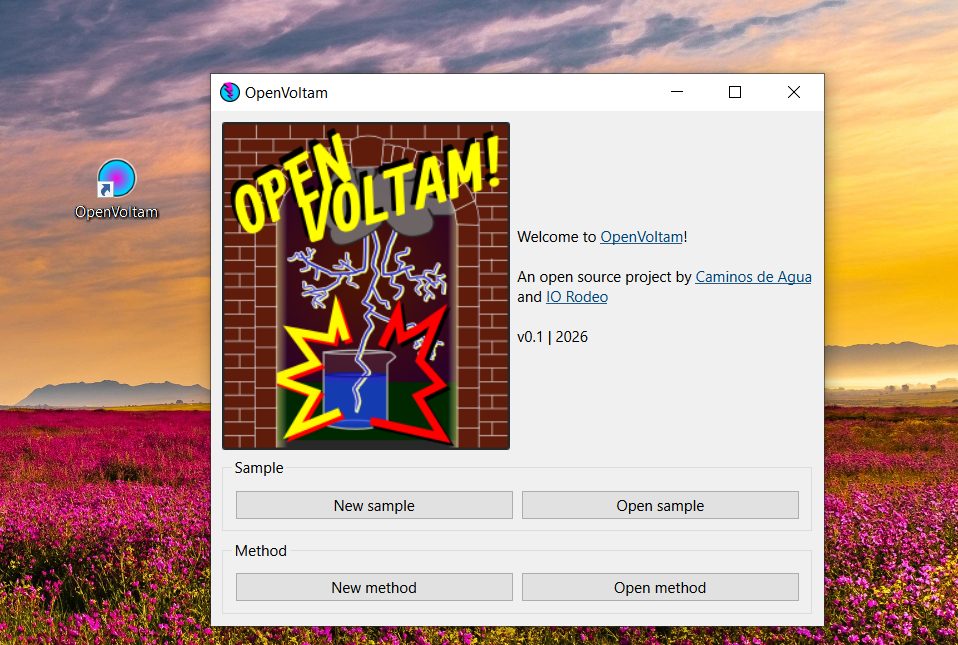
OpenVoltam is the software used for potentiostat control, data collection, peak analysis, and arsenic concentration calculation. The current workflow uses preconfigured method files for routine arsenic detection and electrode conditioning. To measure arsenic, we recommend that new users use our provided method. Experienced users who want to experiment with voltammetry can modify our method or build their own.
7.1 Installation
- Download the OpenVoltam installer from the link provided by the project team.
- After installation, launch the software by double-clicking the OpenVoltam icon.
- Avoid using the computer for other tasks during measurements. The software may become unstable if the system is overloaded during data acquisition.
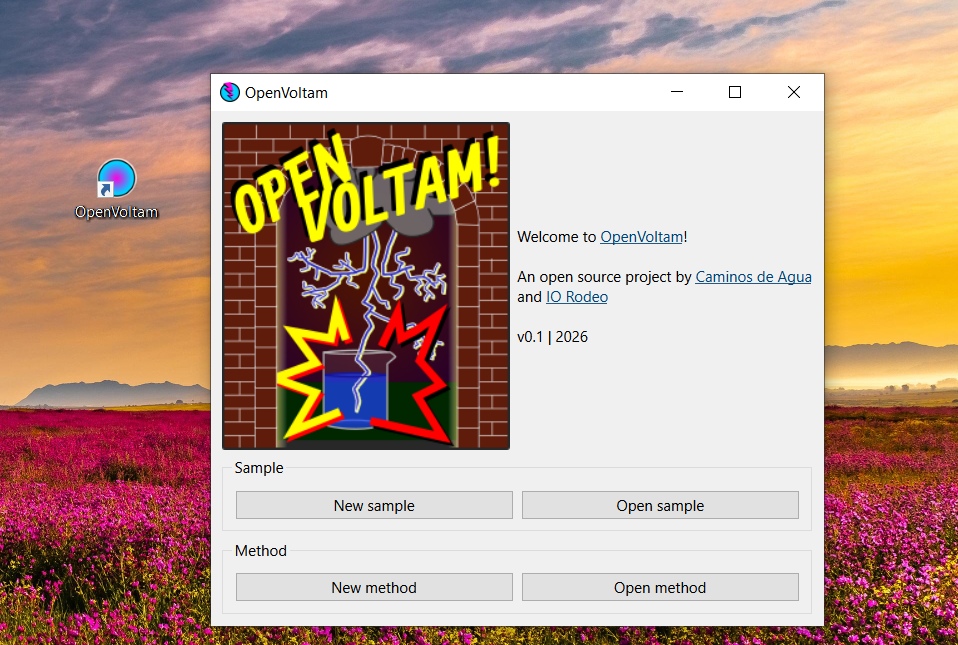
Figure 7. OpenVoltam start screen.
7.2 Start screen
When OpenVoltam launches, the start screen provides four main options:
- New Sample - create a new sample workspace.
- Open Sample - open an existing sample workspace.
- New Method - create a new electrochemical method.
- Open Method - open and edit an existing method.
1. Create or open a sample
2. Run measurements
3. Analyze peaks
4. Calculate arsenic concentration
7.3 Creating a new sample workspace
Select New Sample from the start screen. A dialog window will appear requesting metadata for the sample environment. Use descriptive sample names that include sampling location, date, and operator initials or name. Example: GroundwaterTreatmentPlant_20260614_Martijn
- Click Save.
- Choose an appropriate folder.
- The sample environment will open automatically.
Create one sample environment per sampling day to keep datasets manageable and organized.
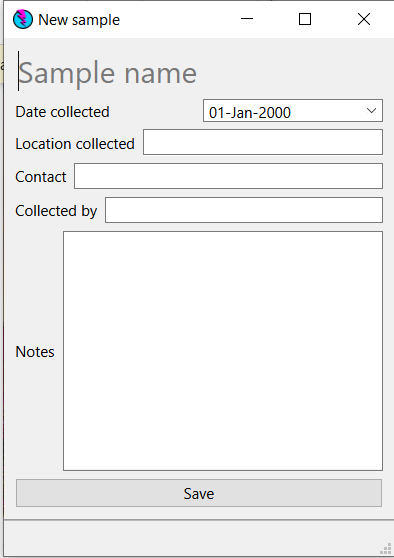
Figure 8. New Sample window.
7.4 Opening an existing sample
- Select Open Sample.
- Navigate to the sample folder.
- Double-click the sample file.
The software will load the complete sample workspace, including runs, analyses, calculations, and stored results.